
Howdy
Yolo builds single page sites. It works for writers, developers, and photographers. 👋
I don't always use single-pages, but when I do, I yolo.
Goals
- Live the single page life. 🎯
- Keep it simple. No bloat. ✨
- Make it yours. Bring your own brand. 🎨
Getting Started
You need Node.js and npm. 🚀
git clone https://github.com/corbtastik/yolo.git
cd yolo
npm install
npm run build
npm run serve
Branding
Yolo uses themes for colors and fonts. Each theme has a matching syntax theme for code blocks.
Theme files:
src/_data/themes.json- every theme, colors for light and darksrc/assets/ext/js/theme-vars.js- maps those colors to CSS variables
Themes
Click a pill to preview any theme. The site updates instantly. 🎭
Material Themes
Matrix Themes
Chroma Themes
Corbs Themes
Original Yolo Themes
Custom Themes
Create a custom theme in three steps:
- Add an entry to a group in
src/_data/themes.json. - Set colors for light and dark modes.
- Set
brand.themeinsrc/_data/settings.yml.
Color Variables
Three main colors define a theme:
primary-color- Page backgroundsecondary-color- Headerstertiary-color- Accents
Pick these first. The other colors should complement them.
Set values for both light ☀️ and dark 🌙 modes.
On Colors
"On" colors sit on top of main colors. They need contrast for readability.
Container Colors
Container colors fill nested elements within primary or secondary sections.
There is no
tertiary-container-color. Tertiary stands alone as an accent.
Link Color
Links get their own color. Pick something distinct and use it everywhere.
Color Swatches
Theme Colors
General Colors
Syntax Themes
Yolo highlights code with custom syntax themes. Each color theme includes a matching syntax theme.
Syntax files:
src/_data/themes.json- thesh*keys hold syntax colorssrc/assets/ext/js/theme-vars.js- expands them to syntax CSS variables
Syntax themes map colors to code tokens like keywords, strings, and comments.
Custom Syntax Theme
- Add an entry to a group in
src/_data/themes.json. - Set the
sh*colors for light and dark modes. - Update
settings.yml:
name: Yolo
title: Yolo on my friend
description: Loveable single pages
brand:
  theme: reveal
  syntax: reveal
Syntax Swatches
These swatches show the current syntax theme colors. Each shows the token name and CSS selector.
Background and Text
Note: The container color is applied to the background of code blocks, and the text color to text/code not styled by a syntax token.
Syntax Tokens
Tip: Click a pill to see the colors.
Name Tokens
String Tokens
Comment Tokens
Generic Tokens
Keyword Tokens
Number Tokens
Misc Tokens
Literal and Date Tokens
Operator Tokens
Snippets
Click the header to copy code. 📋
#!/bin/bash
function say_howdy() {
  echo "Howdy $1!"
}

if [ $# -ne 1 ]; then
    echo "Usage: Howdy <NAME>"
    exit 1
fi

say_howdy $1
function sayHowdy(name) {
  console.log("Howdy " + name + "!");
}

if(process.argv.length != 3) {
  console.log("Usage: Howdy <NAME>");
  process.exit(1);
}

sayHowdy(process.argv[2]);
Typography
Customize fonts in your theme file. See Themes for details.
Three Families
Primary Font Family: body and most text
Secondary Font Family: headers and accent text
Monospaced Font Family: code
Note: Click each pill to see the font-family and font-size(s).
Primary Family
size-7 text
size-6 text
size-5 text
size-4 text
size-3 text
size-2 text
size-1 text
Secondary Family
size-7 text
size-6 text
size-5 text
size-4 text
size-3 text
size-2 text
size-1 text
Monospace Family
size-7 text
size-6 text
size-5 text
size-4 text
size-3 text
size-2 text
size-1 text
Headers
H1 is reserved for the site title.
H2 Heading
H3 Heading
H4 Heading
H5 Heading
H6 Heading
Paragraph Text
Baseball is a bat-and-ball game. ⚾ Two teams of nine take turns batting and fielding. The pitcher throws. The batter swings. Hit the ball, run the bases, score runs. The team with more runs wins.
Blockquotes
Single
In the US and Canada, Major League Baseball teams split into the National League and American League. Each has three divisions. Playoffs decide the champion in the World Series.
Multiple Paragraphs
Two teams play. Nine players each. They trade offense and defense.
The field has foul lines at 45-degree angles from home plate. Inside is fair territory. Outside is foul.
Nested
MLB rosters have 25 players with set roles:
Eight position players: catcher, four infielders, three outfielders.
Most leagues use the designated hitter rule.
With Markdown
Embedded Content
- Plain text
- Bold
- Italic
- Abbr
- Citation
Deleted- Underlined
- Superscript
- Subscript
- Inline
code
First Last HR Hank Aaron 755 Babe Ruth 714
Inline Text
- Plain text
- Bold
- Italic
- Abbr
- Citation
Deleted- Underlined
- Superscript
- Subscript
- Inline
code
Lists
Unordered
-
Arlington Stadium
-
Rangers Ballpark
-
Ebbets Field
-
Boston Red Stockings
- Boston Red Caps
- Boston Beaneaters
- Boston Red Sox
- Boston Beaneaters
- Boston Red Caps
Ordered
- Babe Ruth
- Willie Mays
- Dale Murphy
- Mookie Wilson
Tables
Click any column header to sort. Click again to reverse.
Basic
| Player | BA | HR |
|---|---|---|
| Hank Aaron | .305 | 755 |
| Babe Ruth | .342 | 714 |
| Mookie Wilson | .274 | 67 |
Aligned
| Left | Center | Right |
|---|---|---|
| Hank Aaron | Right-fielder | .305 |
| Babe Ruth | Outfielder | .342 |
| Mookie Wilson | Center-fielder | .274 |
Markdown Images
Standard markdown images use default <img> styling.




Styled Images
Yolo has classes for common aspect ratios.
Click an image to enlarge. 🔎
Thumbnail
128px square. Use the thumbnail class.

Square
Classes: is-16 through is-640.

Circle
Classes: is-circle-16 through is-circle-640.
4:3 Ratio
Classes: is-100-by-75 through is-640-by-480.

3:4 Ratio
Classes: is-75-by-100 through is-480-by-640.
16:9 Ratio
Classes: is-112-by-63 through is-640-by-360.
9:16 Ratio
Classes: is-63-by-112 through is-360-by-640.
Image Grid
Shows images inline. Click to enlarge. Click again to shrink. 📷
- Add images to
src/_data/ig-images.yml. - Use the
imageGridshortcode.
Default
Uses src/_data/ig-images.yml:
{% imageGrid %}





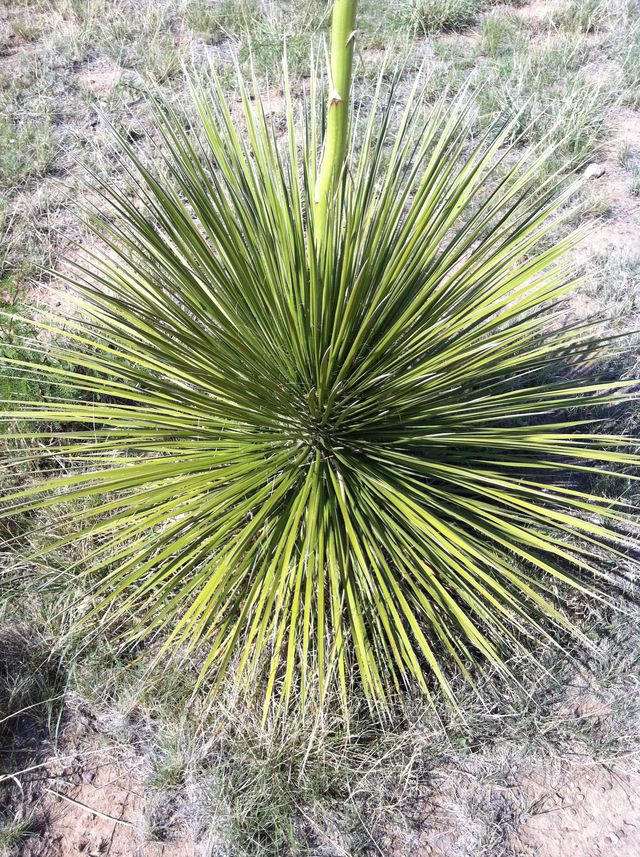

Greetings from Marfa, Texas!
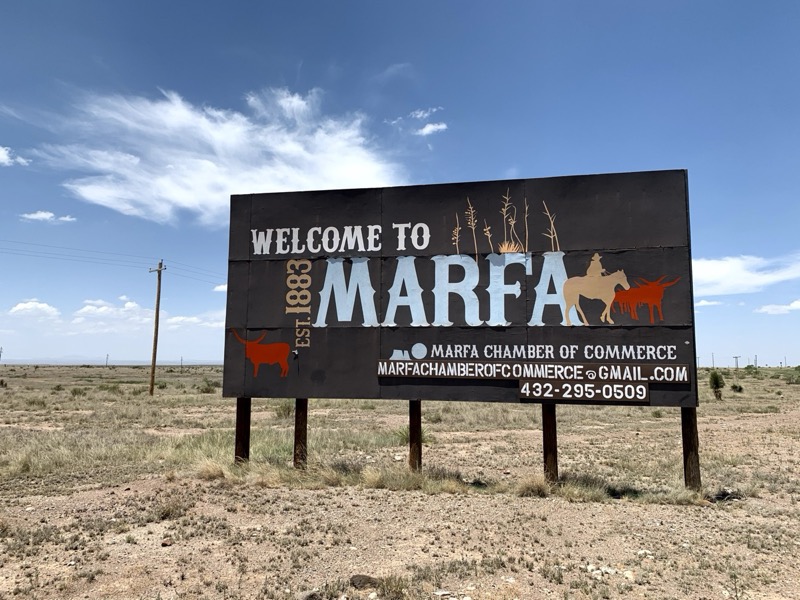
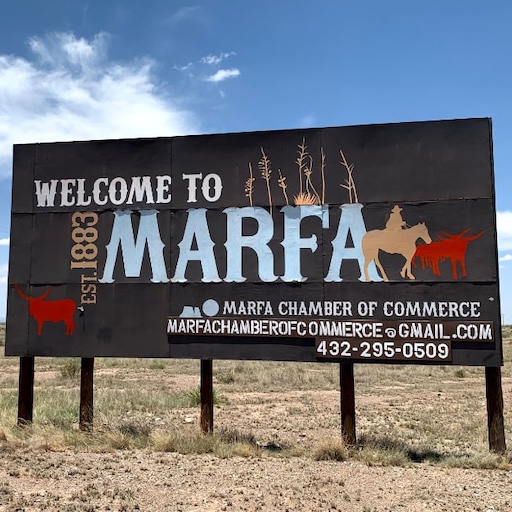
Welcome to Marfa!
Presidio County Courthouse.
Hotel Paisano at nite, what a beauty.
Golden range outside of Marfa, TX.
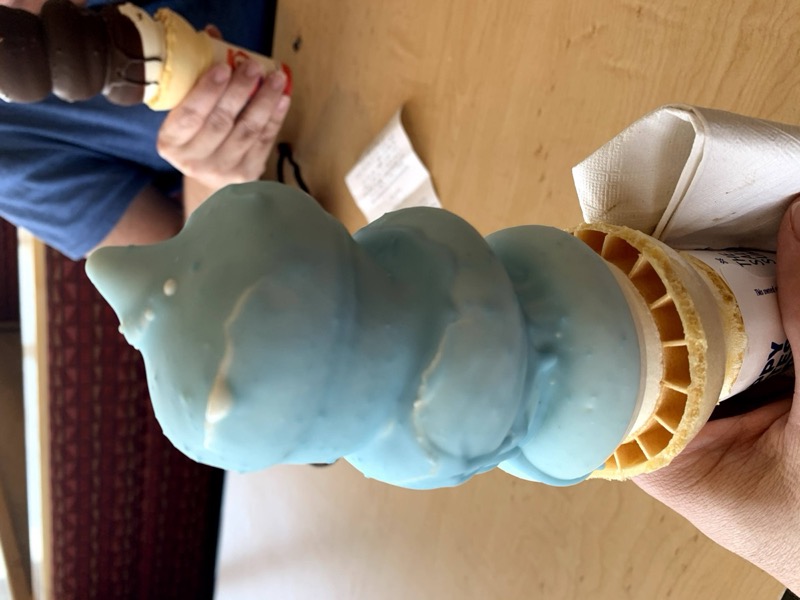
Cotton candy dipped cone at DQ in Marfa.
The Get Go, get in, get go, Marfa TX.
Stardust Motel sign, Marfa TX.
Tumbleweed gonna tumble.
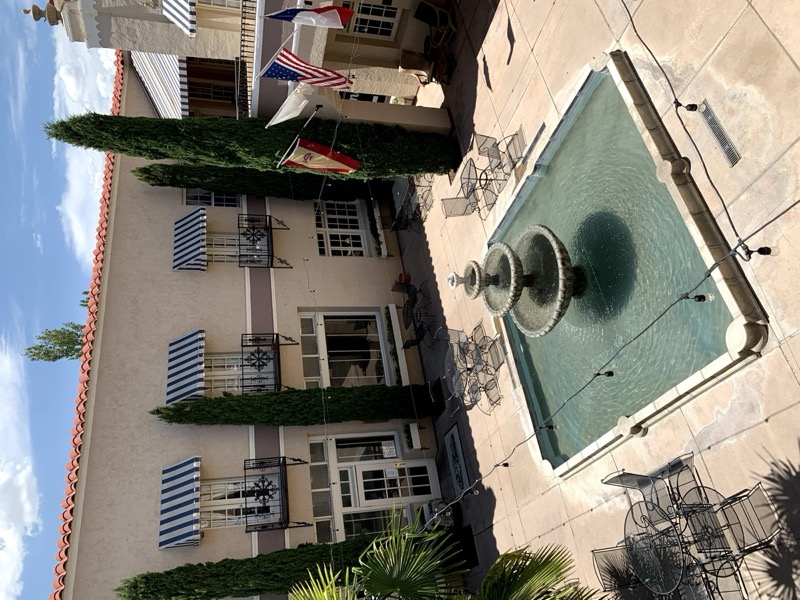
Hotel Paisano courtyard from our room.
The ole silver Marfa water tower.
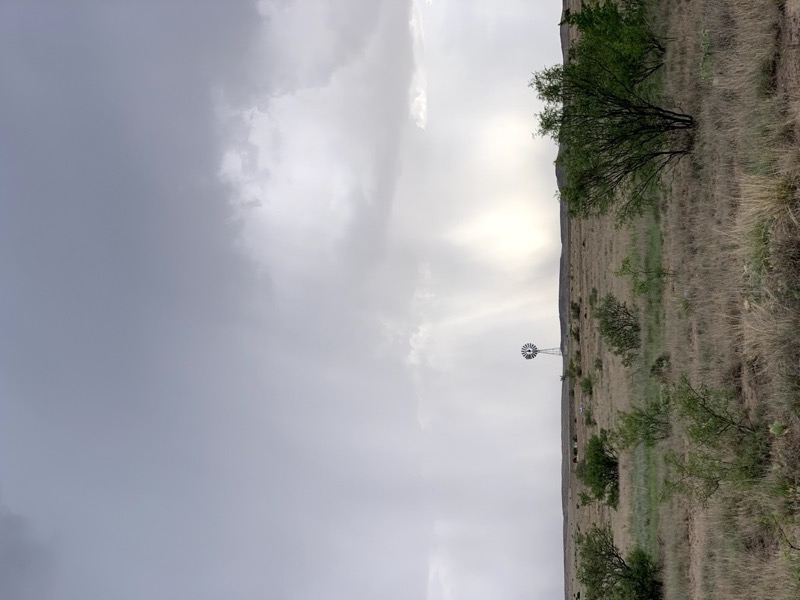
Big sky, Marfa TX.
Custom File
Create a file in src/_data/ with an ig- prefix:
{% imageGrid "ig-pets", 2 %}


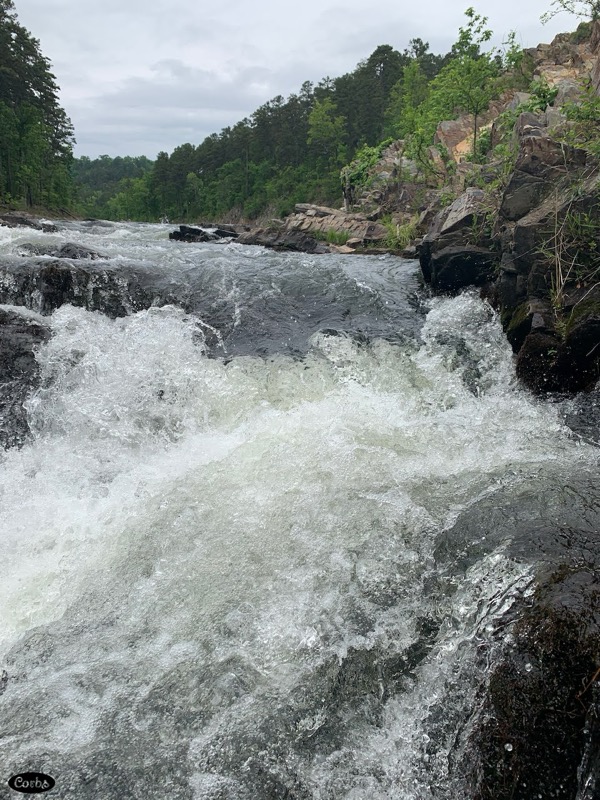
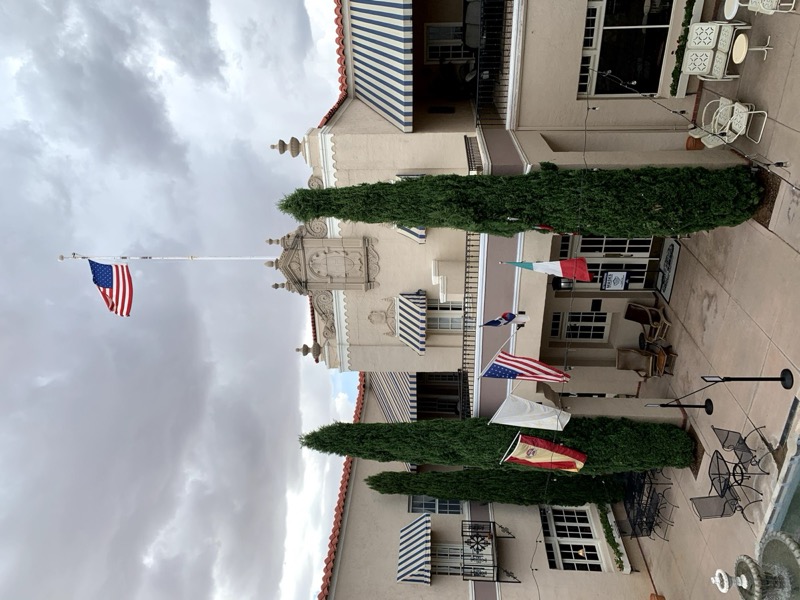
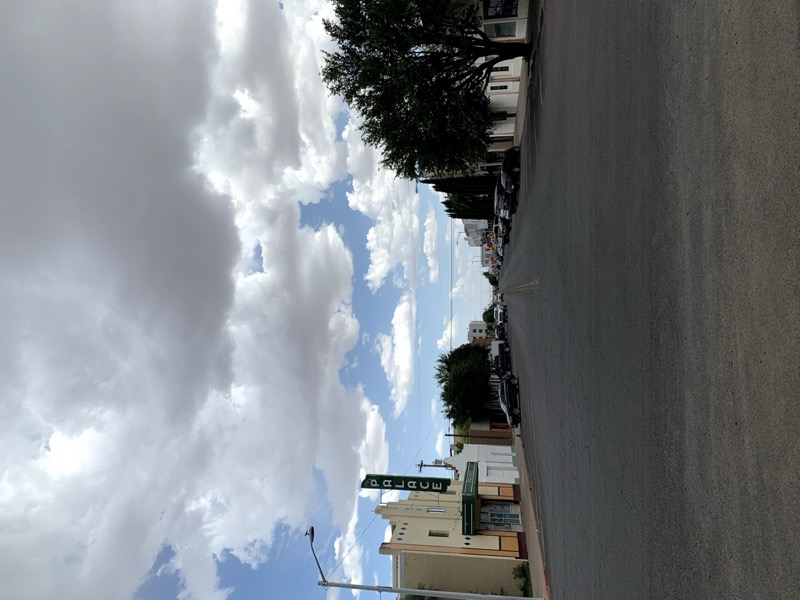
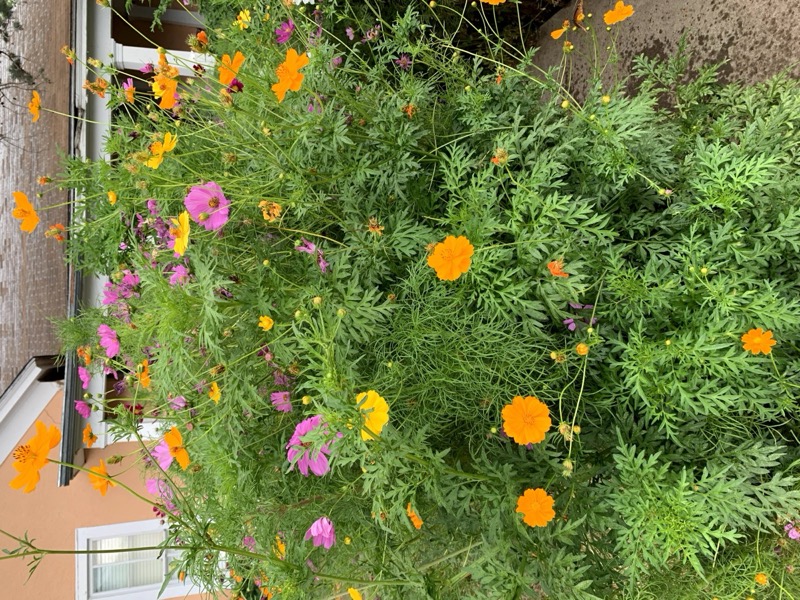
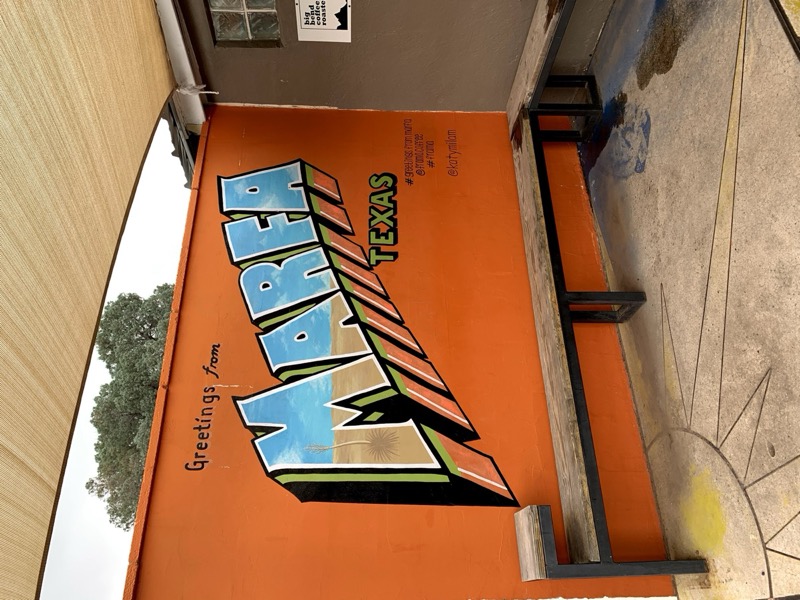
Image Lightbox
Opens images in a modal. Navigate with arrows or < and > keys. 🔍
- Add images to
src/_data/lb-images.yml. - Use the
lightboxshortcode.
Default
Uses src/_data/lb-images.yml:
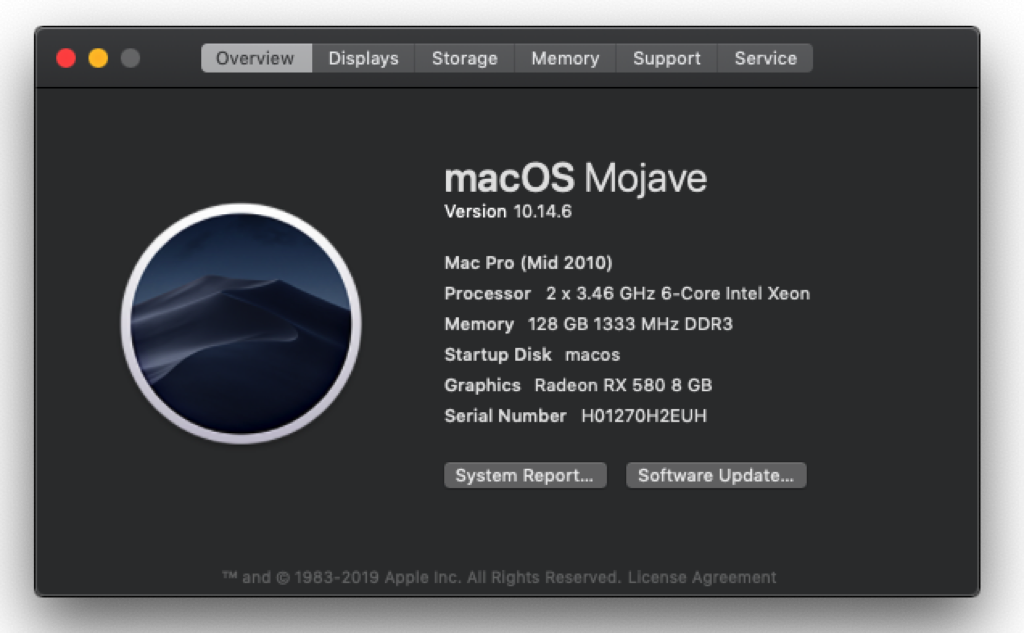
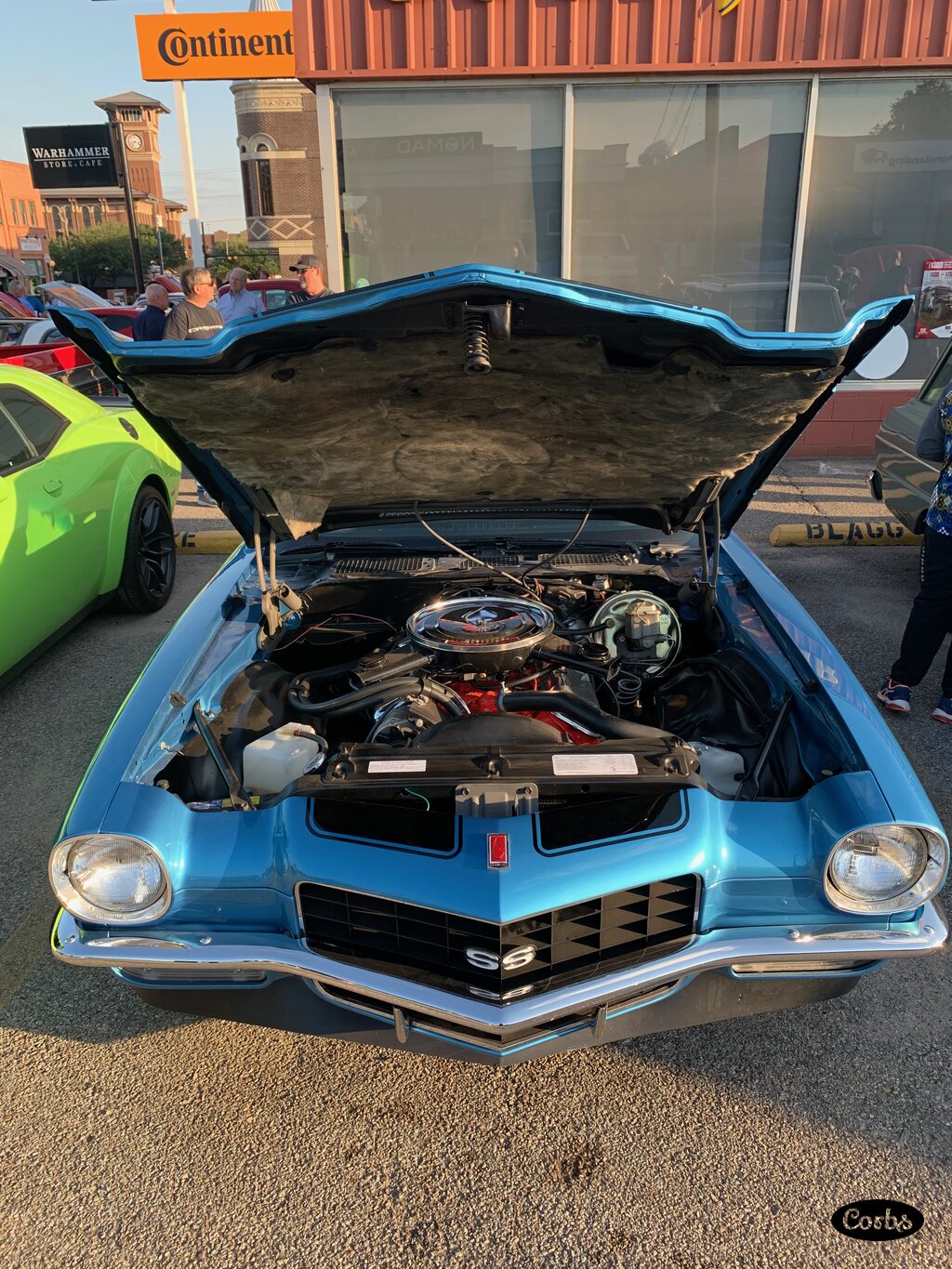
{% lightbox %}


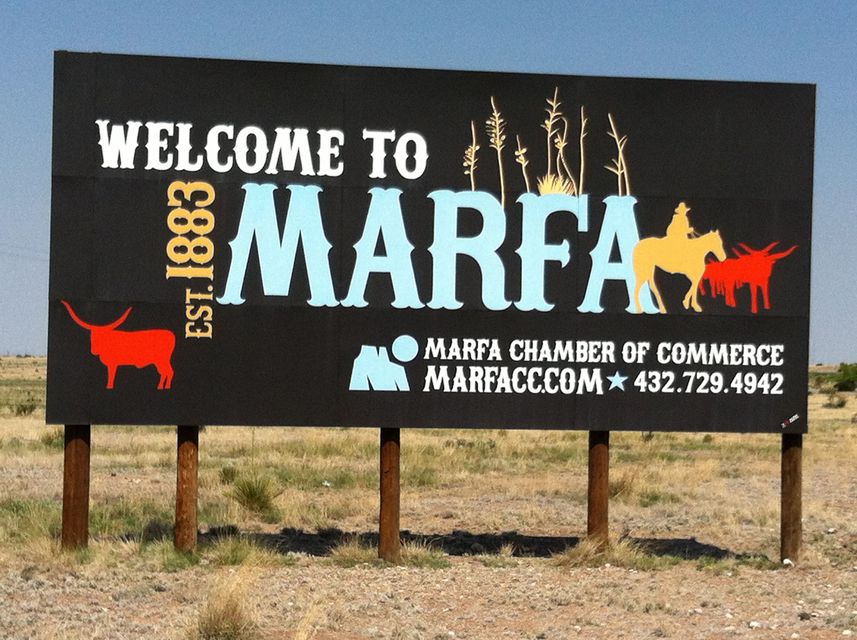


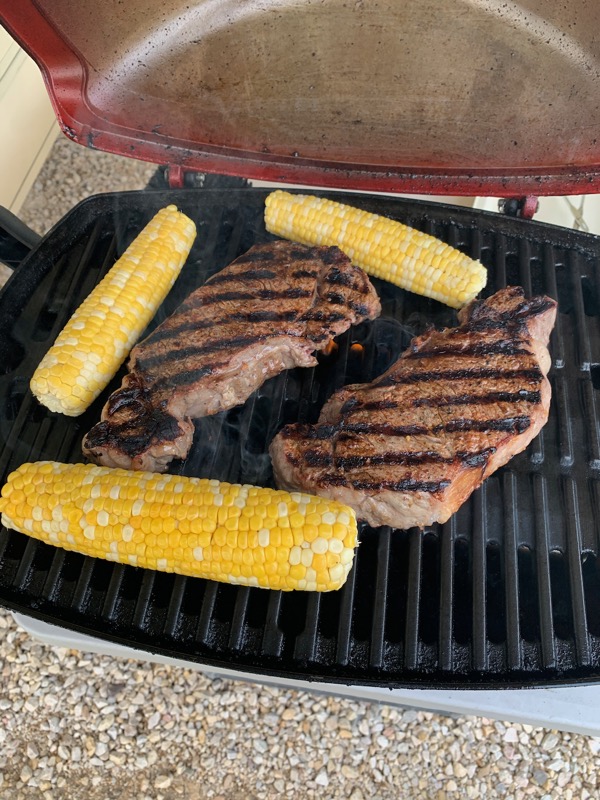
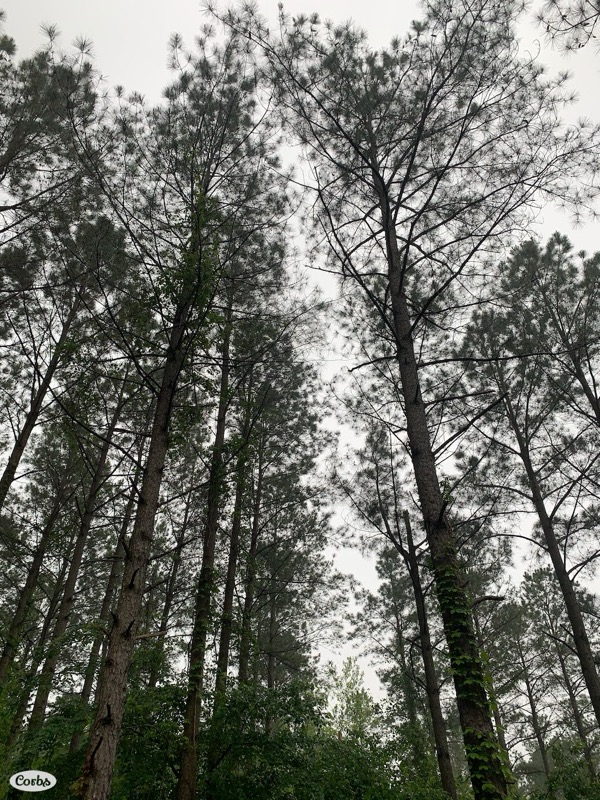
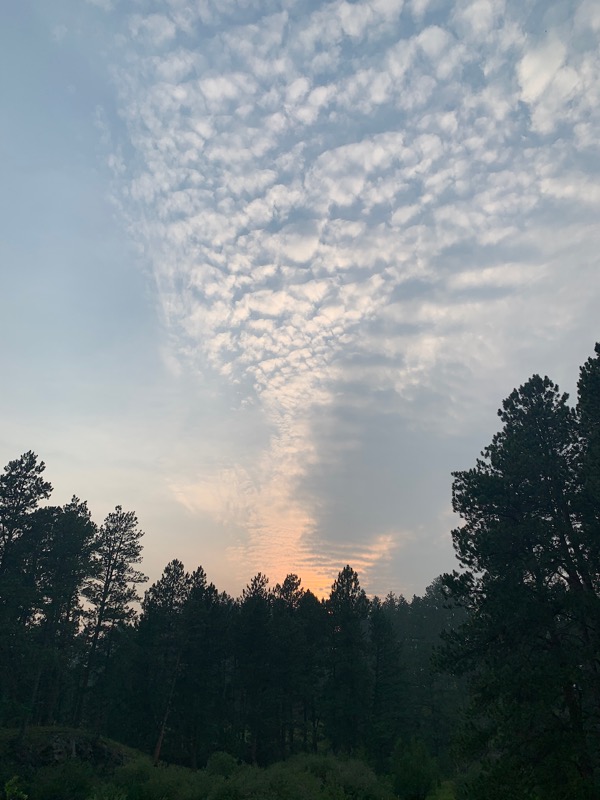



Custom File
Create a file in src/_data/ with an lb- prefix:
{% lightbox "lb-marfa" %}




Videos
Pet Friends 2020, a bad year for people, purfect for pets!
Some kitties chase lasers, this one chases cursors.
Presentations
Embed Google Slides. 📽️
- Add data to
src/_data/prezos.yml. - Use the
prezoshortcode with the title.
Default aspect ratio is 16:9. Options: is-16-by-9, is-4-by-3, is-1-by-1.
16:9
{% prezo "blinged-macmini" %}
A blinged out Mac Mini development box.
4:3
{% prezo "one-awesome-prezo", "prezos", "is-4-by-3" %}
One Awesome Prezo!
1:1
{% prezo "yolo-on", "prezos", "is-1-by-1" %}
Get ya some Yolo!
Custom CSS
Add CSS files via front matter:
ext_css:
  - custom
This loads /assets/ext/css/custom.css after main.css. 🎨
Rubik Cube
Styled with custom.css:
Fancy List
Styled with fancy-list.css:

Custom JavaScript
Add JavaScript via front matter:
ext_js:
  - custom
This loads /assets/ext/js/custom.js before the closing </body> tag. ⚡
XMLHttpRequest
Fetch API
Containers
Run Yolo in a container with Podman. 📦
Images
The Makefile builds two images:
- yoloc - Builder image with Node.js and npm
- yolo - Runtime image with Apache httpd
Build and Run
# Build the builder
podman build -f ./src/yoloc.Containerfile -t yoloc:latest ./src

# Build the runtime
podman build -f Containerfile -t yolo:latest .

# Run on port 9696
podman run --name yolo -d -p 9696:9696 yolo:latest
Or use Make:
make yolo-pod
Opens at http://localhost:9696.
More Snippets
Bash
#!/bin/bash
function say_howdy() {
  echo "Howdy $1!"
}

if [ $# -ne 1 ]; then
    echo "Usage: Howdy <NAME>"
    exit 1
fi

say_howdy $1
C
#include <stdio.h>

int main(int argc, char **argv) {
    if(argc != 2) {
        printf("Usage: Howdy <NAME>");
        return 1;
    }
    printf("Howdy %s!\n", argv[1]);
    return 0;
}
C++
#include <iostream>
using namespace std;

int main(int argc, char** argv) {
    if(argc != 2) {
        cout << "Usage: Howdy <NAME>";
        return 1;
    }
    cout << "Howdy " << argv[1];
    return 0;
}
Dart
import 'dart:io';

void main(List<String> args) {
    exitCode = 0;
    if(args.length != 1) {
        stdout.writeln("Usage: Howdy <NAME>");
        exitCode = 1;
        return;
    }
    stdout.writeln("Howdy ${args[0]}!");
}
Go
package main

import (
    "os"
    "fmt"
)

func main() {
    if len(os.Args) != 2 {
        fmt.Println("Usage: Howdy <NAME>")
        os.Exit(1)
    }
    fmt.Println("Howdy " + os.Args[1] + "!")
}
HTML
<!DOCTYPE html>
<html lang="en">
<head>
    <meta charset="utf-8" />
    <title>Howdy!</title>
</head>
<body>
    <h1>Howdy!</h1>
</body>
</html>
JSON
{
  "apiVersion": "v1",
  "kind": "Service",
  "metadata": {
    "name": "minio-server-lb",
    "namespace": "minio"
  },
  "spec": {
    "ports": [{
      "port": 9000,
      "targetPort": 9000
    }],
    "type": "LoadBalancer"
  }
}
Java
public class Howdy {
    public static void main(String[] args) {
        if(args.length != 1) {
            System.out.println("Usage: Howdy <NAME>");
            System.exit(1);
        }
        System.out.println("Howdy " + args[0] + "!");
    }
}
JavaScript
function sayHowdy(name) {
  console.log("Howdy " + name + "!");
}

if(process.argv.length != 3) {
  console.log("Usage: Howdy <NAME>");
  process.exit(1);
}

sayHowdy(process.argv[2]);
Kotlin
fun main(args: Array<String>): Int {
    if(args.size != 1) {
        println("Usage: Howdy <NAME>")
        return 1
    }
    println("Howdy " + args[0] + "!")
    return 0
}
Markdown
# Howdy

* **Bold**
* *Italic*
* [Link](https://example.com)
* `code`
Python
import sys

def say_howdy(name):
    print("Howdy " + name + "!")

if len(sys.argv) != 2:
    print("Usage: Howdy <NAME>")
    sys.exit(1)

say_howdy(sys.argv[1])
SCSS
.light-theme {
  color: $light-secondary-color;
  background-color: $light-primary-color;

  a {
    color: $light-link-color;
  }

  h1, h2, h3 {
    color: $light-accent-color;
  }
}
SQL
SELECT *
FROM orders
WHERE cust_id = "mickey@mouse.com"
AND price > 5000
AND price <= 10000
YAML
name: Yolo
version: v2.0
title: Yolo on my friend
description: Loveable single pages
brand:
  theme: star-lord
  syntax: star-lord
sidebar:
  logo: assets/images/logo.png
License
CORBS Commercial License v1.0

Copyright (c) 2026 CORBS

Permission is granted to the purchaser of this software to use, modify, and deploy the software for personal or commercial websites and applications.

You may:

* Use the software for personal or commercial projects.
* Modify the source code to fit your needs.
* Use the software for websites or applications you create for yourself, your company, or your clients.
* Keep and use your modified copies of the software.

You may not:

* Sell, redistribute, publish, sublicense, or give away the software or its source code.
* Make the software publicly available in a repository or downloadable package.
* Sell or distribute a theme, template, starter kit, framework, or similar product based substantially on this software.
* Claim the original software as your own work.

Ownership of the original software remains with CORBS.

This license is granted to the purchaser and may not be transferred to another person or organization without permission.

The software is provided "as is", without warranty of any kind. CORBS is not responsible for any damages, losses, or other issues resulting from use of the software.

If you violate these terms, your license to use the software is terminated.

By purchasing, downloading, or using the software, you agree to these terms.